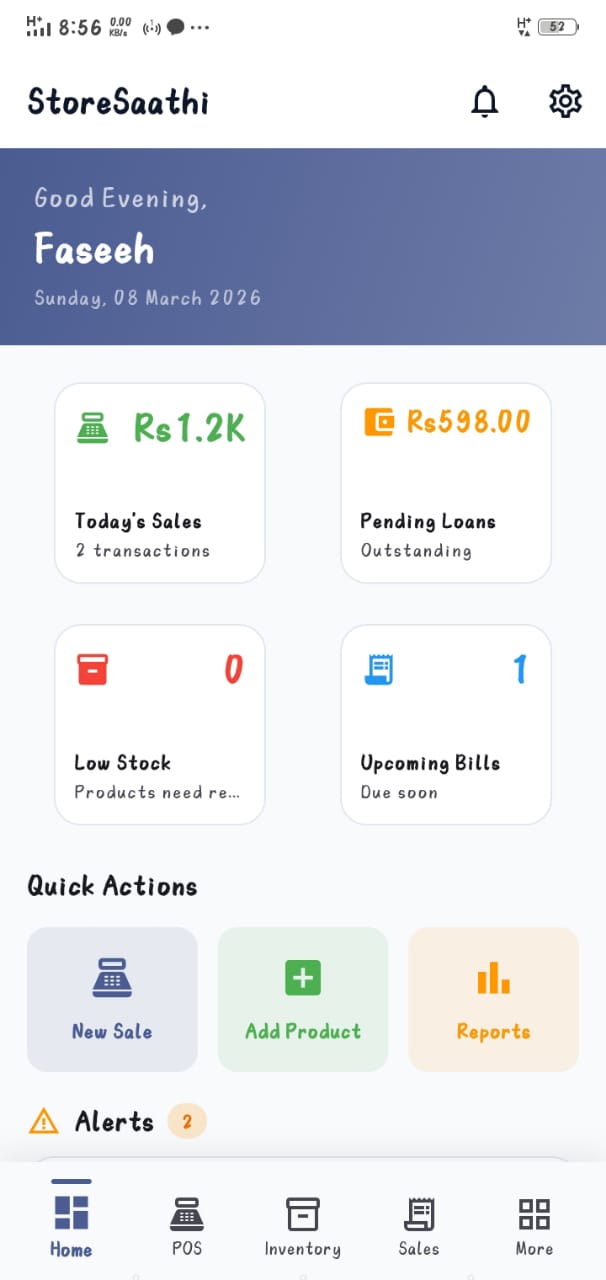
What runs without internet
- Create bills, apply discounts, record payments — full checkout flow.
- Sale automatically adjusts stock levels and low-stock alerts.
- Add udhaar, receive partial payments, update customer balances.
- Log expenses and supplier purchases.
- Open today's sales, stock and profit reports.
- Save receipts as PDF on the device for later printing or sharing.
What needs a connection (only when you use it)
- Google Drive / cloud backup and restore.
- Sharing a receipt directly to the customer's WhatsApp chat.
- WhatsApp support conversations with our team.
Why this matters in Pakistan specifically
A cloud-only POS turns every outage into a queue of annoyed customers and handwritten chits that never enter the system. An offline-first design means the outage is invisible at the counter: sales keep flowing into the same records, so end-of-day numbers stay complete instead of "whatever was entered while the internet worked". For shops in areas with evening load-shedding or weak signals, this is usually the single deciding feature — see the full benefits of offline POS and how it compares in offline vs online POS.
The habit that protects offline data
Local storage is fast and private, but phones can be lost — so pair offline freedom with a simple backup rhythm. Connect once a day or once a week (whenever WiFi/data is available) and let backup support copy your records to Google Drive. The whole routine takes under a minute; the guide to backing up shop data walks through it step by step.
Want the wider context of running the app from a phone you already own? Read why StoreSaathi is built Android-first, then start the free trial and switch your phone to airplane mode mid-bill — that demo convinces more shopkeepers than any paragraph here.