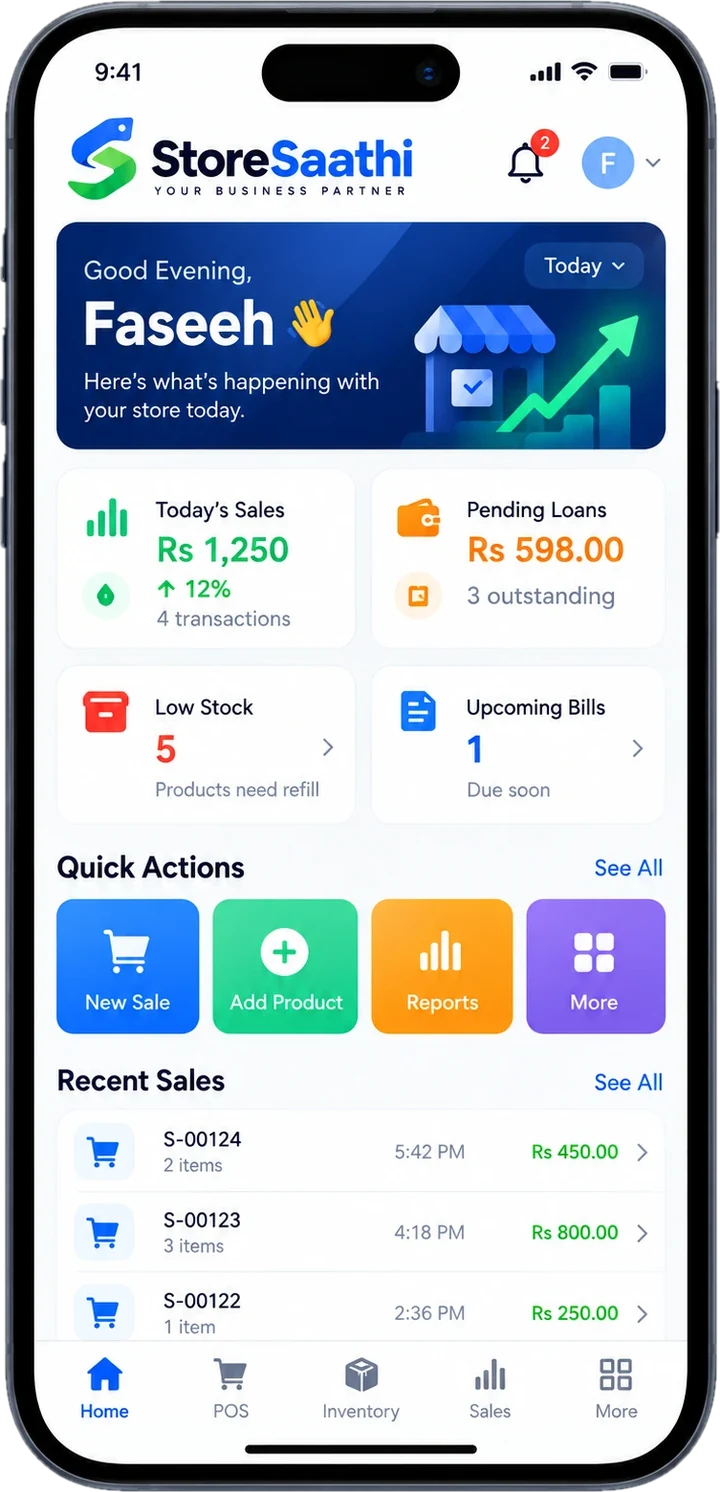
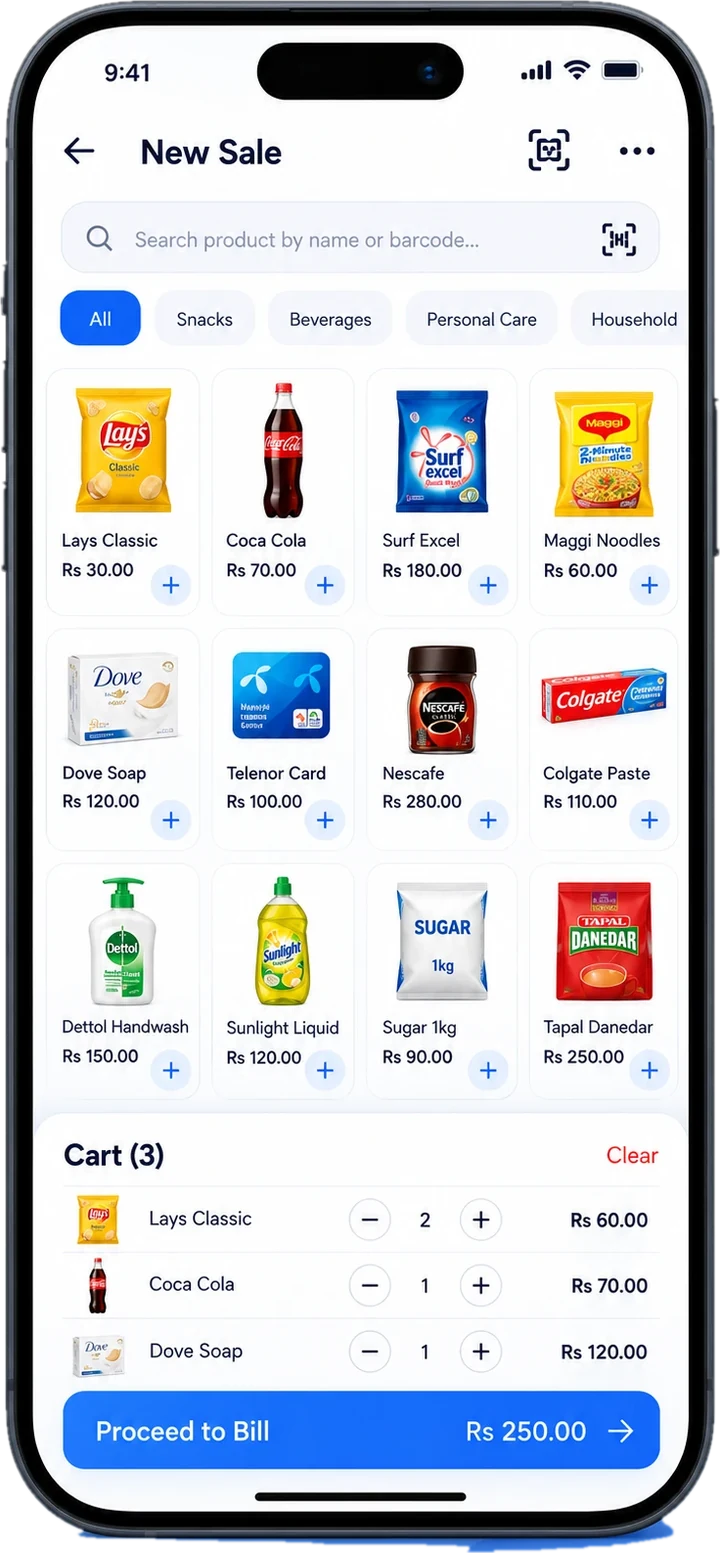
Days 1–3: foundation
Day 1 — products: add your top 50 items with consistent names (naming guide). Day 2 — billing: bill every sale through the app (billing app); compare totals with your book. Day 3 — khata: enter existing balances per customer (migration guide) and record all new credit digitally.
Days 4–7: control
- Day 4 — stock: set quantities and first reorder levels (reorder guide).
- Day 5 — staff: train one worker on billing (training guide).
- Day 6 — closing: run the full nightly routine (closing routine) and back up (backup guide).
- Day 7 — review: read the week's reports (sales-reports guide) and decide with evidence.
- Throughout: keep business and personal expenses apart (expenses guide).
The day-7 decision
If daily totals are honest, khata is current, and stock moves visibly — the system works and the plan choice is just arithmetic (monthly-vs-yearly guide). If not, the week still taught you exactly what to fix.
Start with the 7-day full-feature trial, confirm plan details on the value page, and pay manually via admin WhatsApp — nothing is auto-charged. Verify official channels before paying.