What “best POS software” really means for a shop in Pakistan
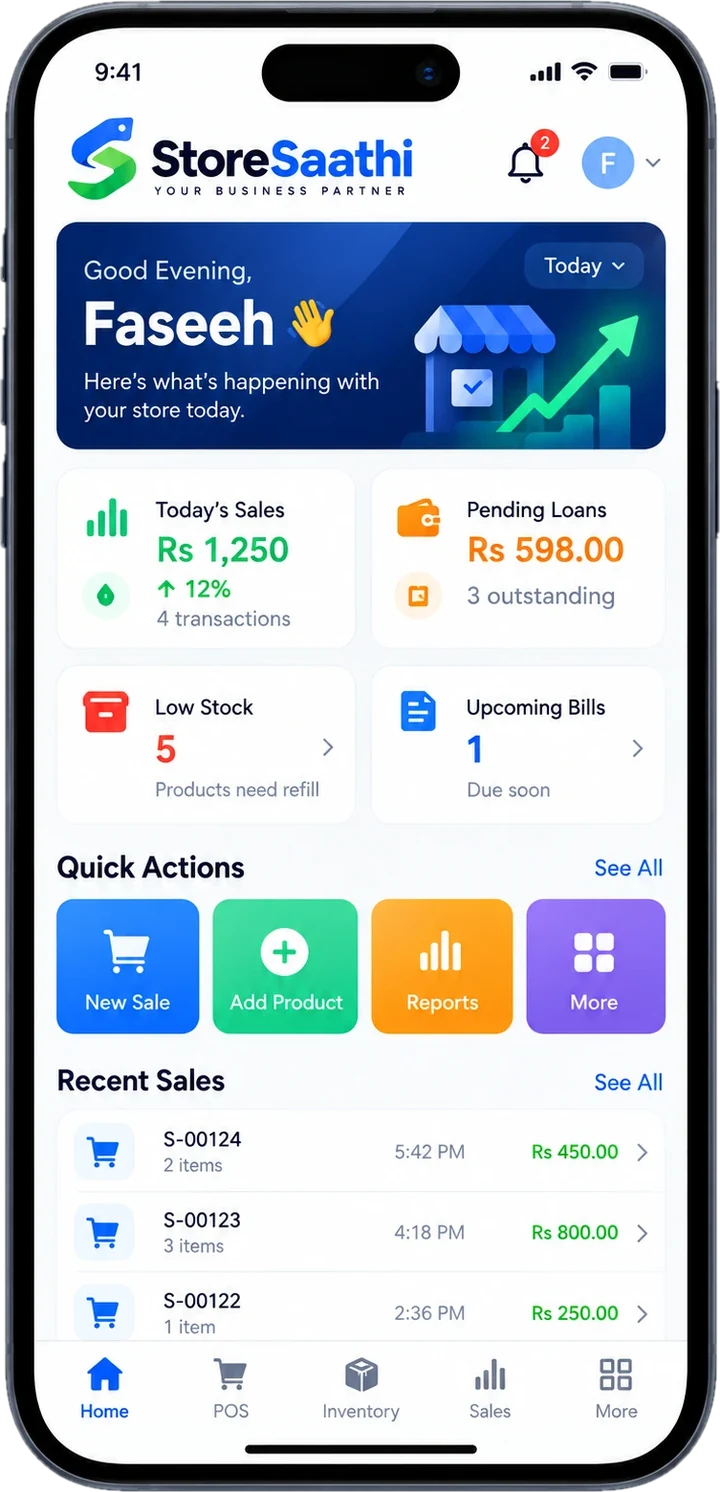
There is no single best POS for every shop — but for Pakistani retail there is a clear checklist. A POS that fails on any point below will cost you time or money within a month. Use this list to compare any POS, including StoreSaathi.
- Works offline. Load-shedding and patchy mobile data are normal. Billing, stock and khata must keep working with no internet; the internet should only be needed for backup and sharing (see offline mode).
- Built-in khata / udhaar. Credit is how many shops sell. A POS without a customer ledger and partial payments pushes you back to the notebook (see customer ledger).
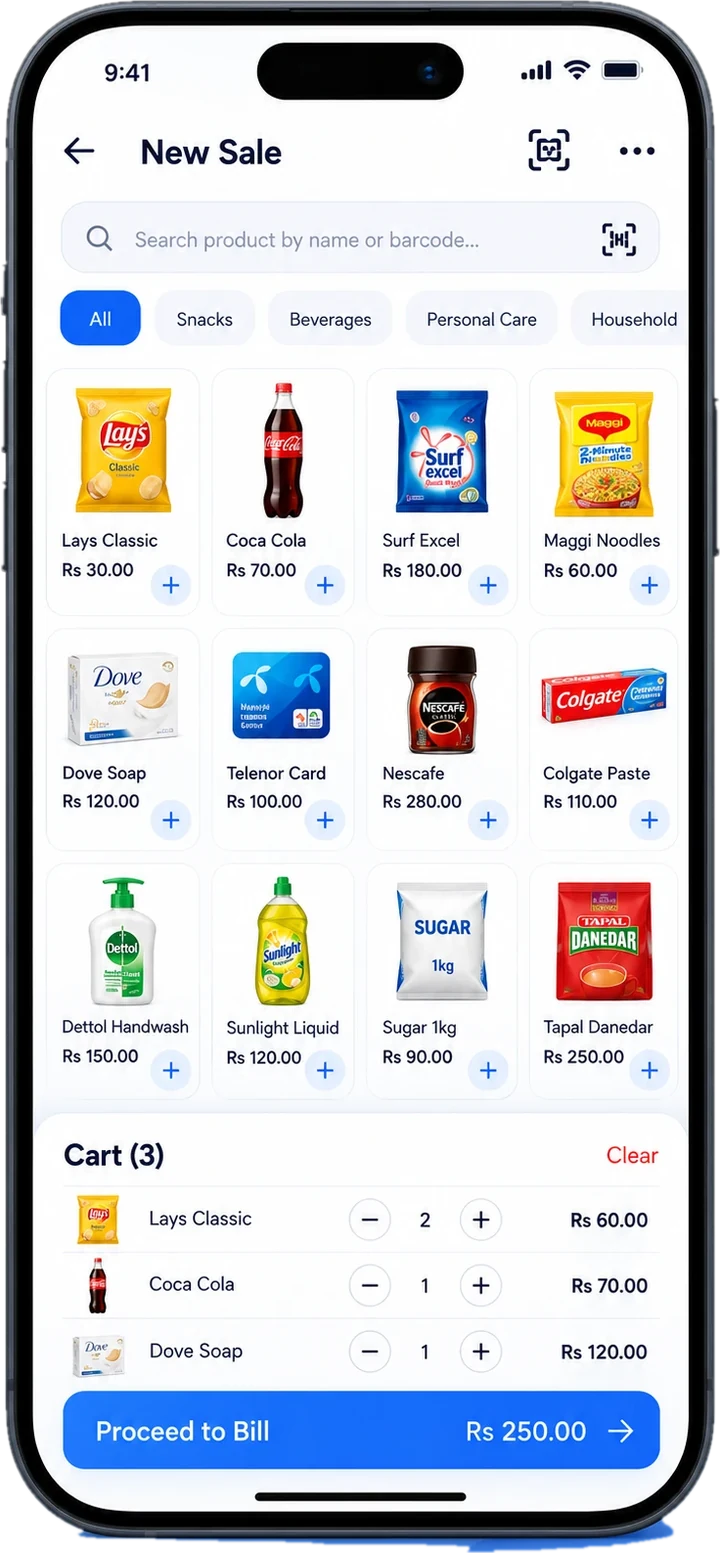
- Fast billing at the counter. Search by a few letters, scan barcodes, apply discounts and give a printed or WhatsApp receipt in seconds (speed-up billing guide).
- Runs on devices you already own. An Android phone at the counter, a Windows PC in the shop, or both — without buying special hardware first.
- Stock you can trust. Live quantities, low-stock alerts and purchase entry so your margins are real (stock control guide).
- Reports an owner can read. Daily sales, expenses and profit indicators in plain language, not accountant jargon (daily report guide).
- Backup and data ownership. If a phone is lost or a PC fails, you restore your records instead of starting over (backup guide).
- Simple language, local help, honest plans. WhatsApp support, a real free trial and the same features in every plan.
How StoreSaathi matches the checklist
| What to check | StoreSaathi | Details |
|---|---|---|
| Offline billing | Core billing, stock and khata work offline | Offline POS app |
| Khata / udhaar | Customer ledger with partial payments | Khata / udhaar app |
| Barcode & fast search | Barcode labels, scanning and quick product search | Barcode billing app |
| Devices | Android app and Windows PC app | Download page |
| Receipts | Print or share on WhatsApp | Billing app |
| Reports | Sales, stock, expenses and profit indicators | Profit guide |
| Backup | Backup and restore support | Backup feature |
| Trial & plans | Free 1-week full-feature trial; monthly, yearly or lifetime — same features | Plans & value |
Best POS software by shop type
- Grocery & karyana POS — fast billing for hundreds of items, mohalla udhaar, Friday-rush stock.
- Medical store POS and pharmacy POS — medicine stock, quick counter billing and customer records.
- Mobile shop POS — phones, accessories and installment-style credit.
- Clothing shop POS — sizes, colors and seasonal stock.
- General store POS and supermarket POS — wider ranges and busier counters.
- Hardware store, cosmetics, jewelry and stationery — specialised stock handled with the same clean records.
Best POS software by city
StoreSaathi works in every city because it runs on your own phone or PC. These local guides cover markets, seasons and trade rhythms:
- POS software in Abbottabad
- POS software in Bahawalpur
- POS software in Faisalabad
- POS software in Gujranwala
- POS software in Gujrat
- POS software in Hyderabad
- POS software in Islamabad
- POS software in Jhang
- POS software in Jhelum
- POS software in Karachi
- POS software in Khairpur
- POS software in Khanewal
- POS software in Kotri
- POS software in Lahore
- POS software in Larkana
- POS software in Mardan
- POS software in Mirpurkhas
- POS software in Multan
- POS software in Peshawar
- POS software in Quetta
- POS software in Rahim Yar Khan
- POS software in Rawalpindi
- POS software in Sanghar
- POS software in Sargodha
- POS software in Sheikhupura
- POS software in Shikarpur
- POS software in Sialkot
- POS software in Sukkur
- POS software in Tando Adam
- POS software in Tando Allahyar
- POS software in Taxila
- POS software in Wah Cantt
How to test any POS in 7 days (before you pay)
- Day 1: add your top 50 products with real prices and stock.
- Day 2–3: bill real sales on the POS while you still note them in your register.
- Day 3: enter khata for five regular customers, including one partial payment.
- Day 4: switch off Wi-Fi and mobile data and bill again. If it fails, it is not a POS for Pakistan.
- Day 5: take a backup and restore it.
- Day 6: compare the POS report with your own count of cash and stock.
- Day 7: decide with numbers, not promises.
StoreSaathi’s free 1-week trial is designed for exactly this — see the free trial page.
Mistakes to avoid when choosing a POS
- Choosing on price alone. A cheap POS that cannot do khata or offline billing is expensive in lost time.
- Skipping the trial with real data. Demos hide problems that your own products and customers reveal in a day.
- Ignoring backup. Your sales history is your business memory; protect it.
- Paying for features you will not use. Prefer one clear plan where every feature is included.
More buying advice: questions to ask before buying POS software and how to choose shop management software.