The loop, step by step
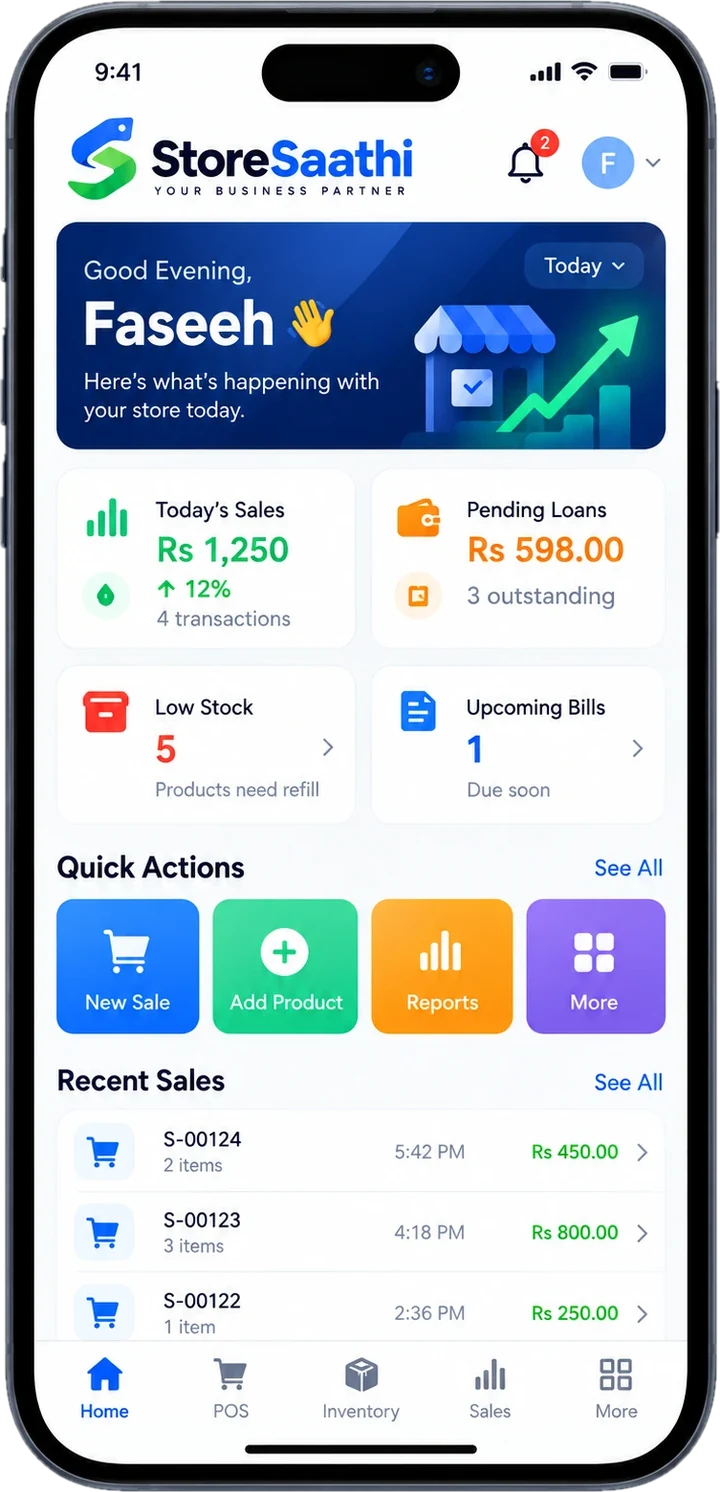
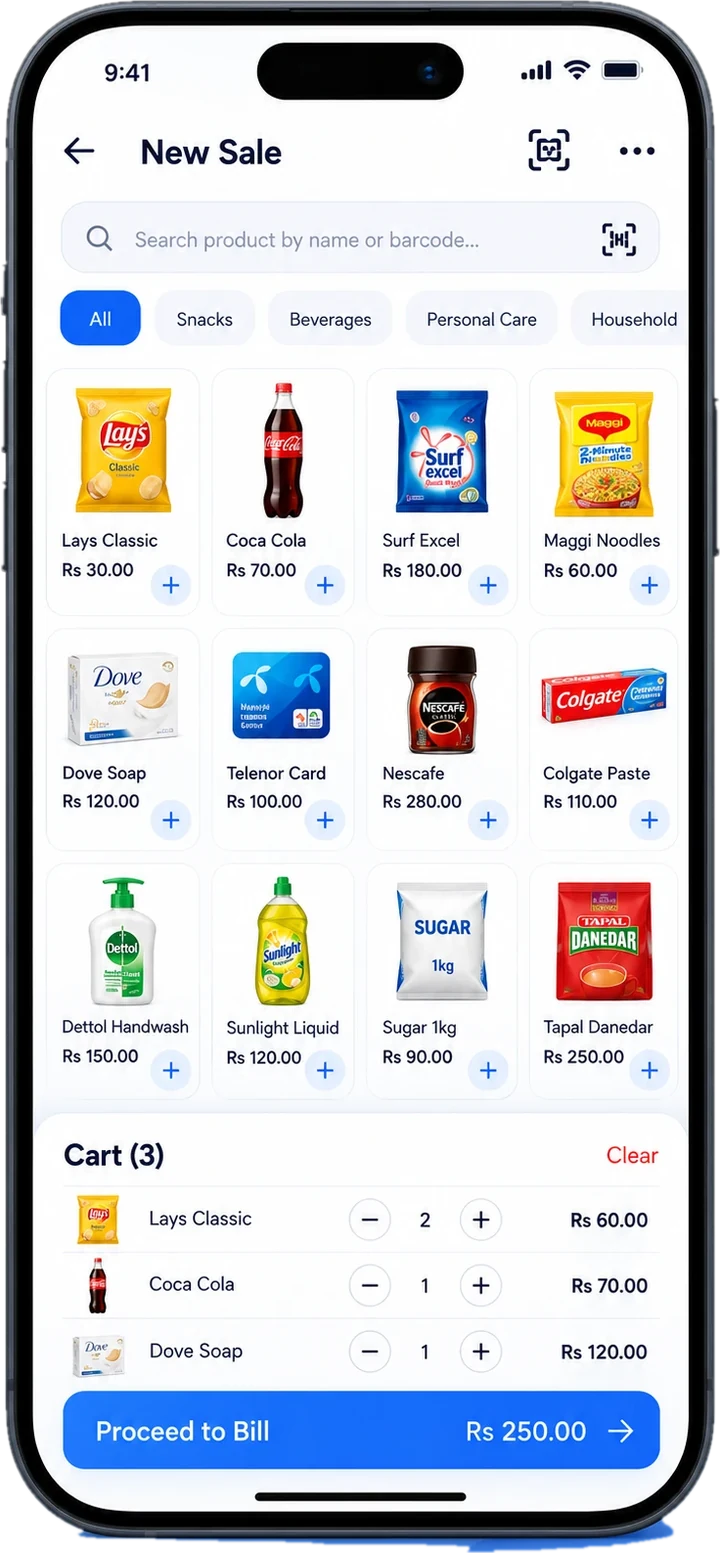
Names first: one consistent name per item (naming guide). Opening counts for the top 100 lines — perfection can wait for the tail. Reorder levels per line from sales pace (reorder guide). Then billing itself maintains quantities (billing app).
Keeping the loop alive
- Enable low-stock alerts so gaps announce themselves.
- Count a small category weekly — never the whole shop (weekly-check guide).
- Hunt slow lines monthly with movement reports (reports module).
- Record every supplier delivery with cost (purchases).
- Close daily so discrepancies surface same-day (closing routine).
What control feels like
Two months in: no surprise stockouts, shrinking dead stock, ordering in minutes from evidence. The loop is the whole secret — everything else is commentary (mistakes to avoid).
Start with the 7-day full-feature trial, confirm plan details on the value page, and pay manually via admin WhatsApp — nothing is auto-charged. Verify official channels before paying.