Why run a POS on a Windows PC at the counter?
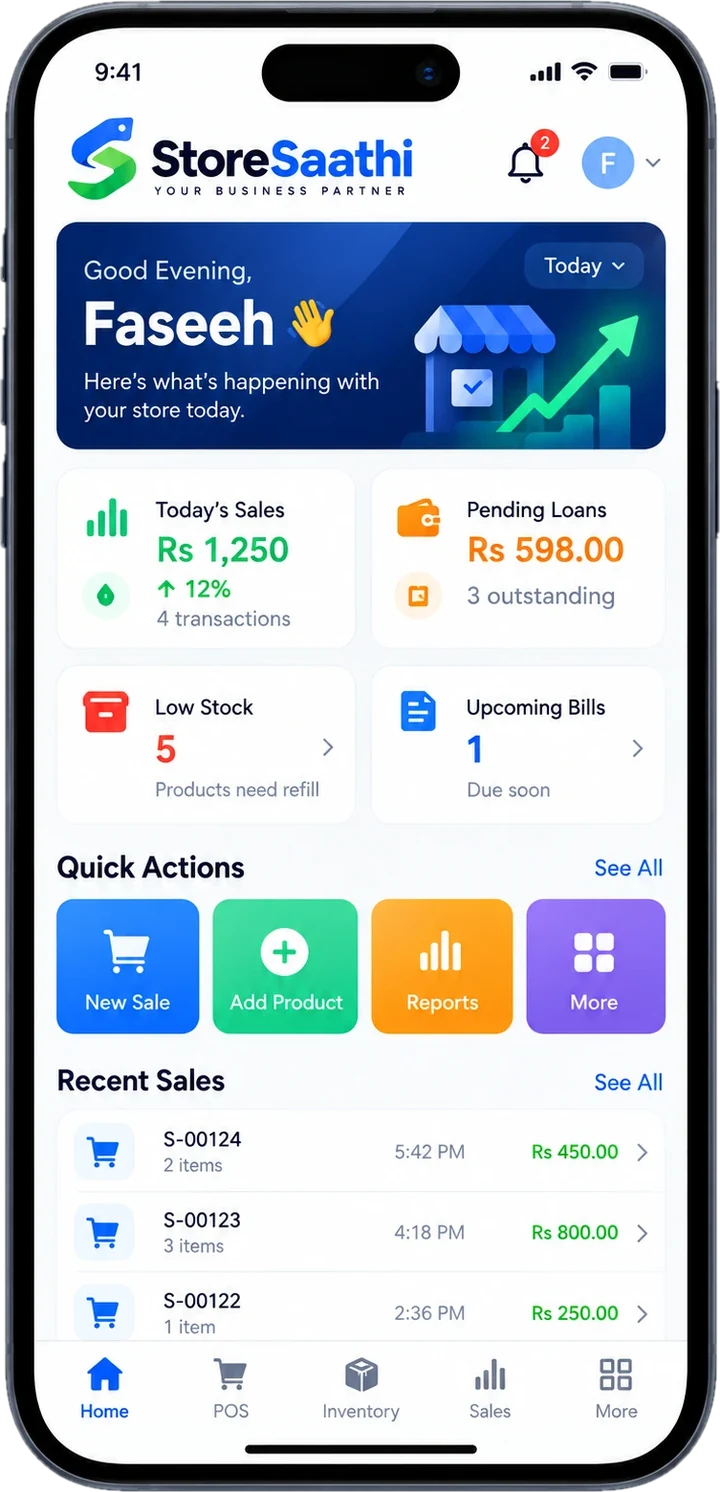
A shop computer gives you a bigger screen for billing, faster typing for product search and an easy place to review reports at closing time. Many Pakistani shops use a PC at the counter and an Android phone for quick checks — StoreSaathi supports both.
What the StoreSaathi Windows app covers
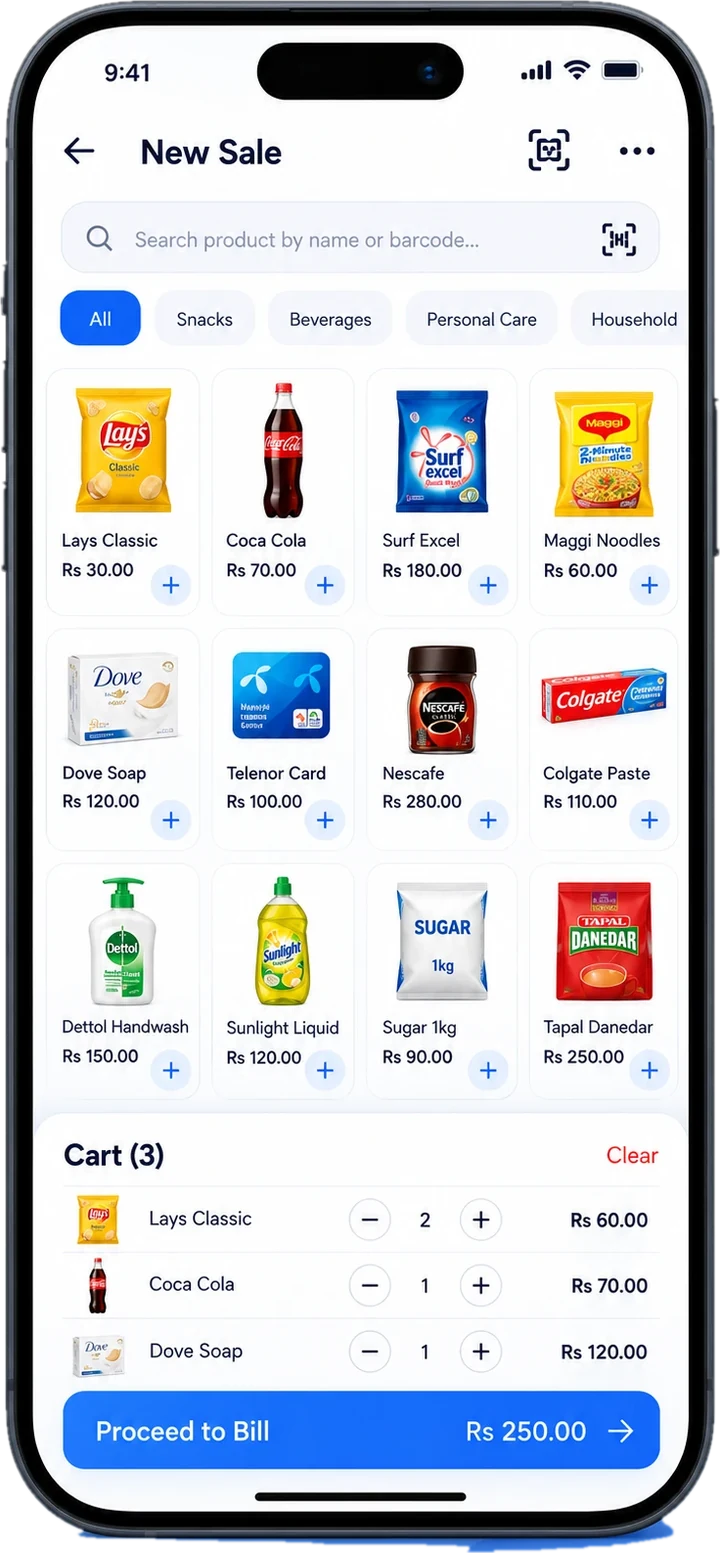
- POS billing with product search, barcode scanning and discounts (faster billing).
- Inventory with live stock and low-stock alerts (low-stock alerts).
- Khata / udhaar with customers, partial payments and balances (customer ledger).
- Barcode labels for faster checkout (barcode guide).
- Reports, expenses and purchases for daily and monthly review (sales reports).
- Backup and restore so your records are protected (backup guide).
Set up in 5 steps
- Open the official download page and choose Windows.
- Pick your shop type — general store apps or the mobile shop app — and download the installer.
- Install, then add your products, prices and opening stock.
- Add customers and khata opening balances.
- Bill your first sale and take a backup at closing time.
Phone and PC together
Many shopkeepers bill on a phone and review on a PC, or the other way around. Records stay on your own devices and are protected with backup and restore. Message the official WhatsApp number to plan the best setup for your shop.
Install only from the official source
The official domain is storesaathi.app. Any “StoreSaathi” app on the Google Play Store is not ours. Download the Windows installer only from the official download page (verify official site).